SEOPARKWAY
(678) 325-5020Get in touch
Services Pricing Service Areas About Contact Call (678) 325-5020
Home / Business Add-Ons / Appointment Scheduling

Appointment Scheduling

Phone tag is friction, and friction loses jobs. Let customers see your real availability and book themselves in a few taps, day or night, straight onto your calendar, with reminders that keep them from no-showing.

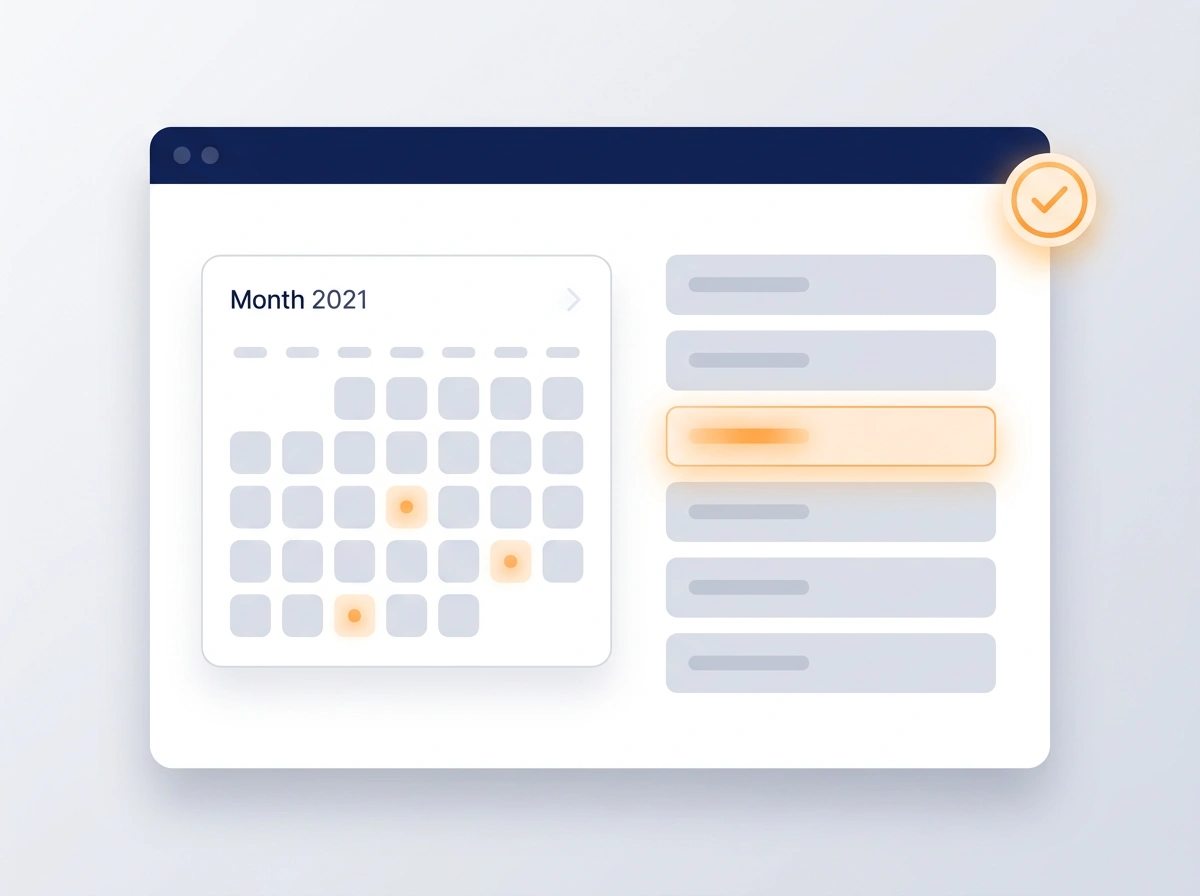
Online booking calendar with selected dates next to a synced appointment list
<60s
from “I need this” to booked on your calendar
The leak

Every extra step between “yes” and “booked” loses customers.

Call during business hours, leave a message, wait for a callback, trade a few texts to find a time. That’s a lot of friction for someone who was ready to book. Many give up and call the business that lets them do it right now, from their phone.

67%
Prefer to book online
Most customers would rather self-schedule than call, especially outside business hours.
40%
Of bookings happen after hours
When the phone lines are closed, a booking page is the only thing still taking jobs.
20%+
No-show rate without reminders
Forgotten appointments are wasted slots. Automatic reminders win most of them back.
What you get

Scheduling your customers actually enjoy

Real-time availability

Your booking page shows only the slots you’re truly free, synced to your calendar, with no double-bookings.

Books in a few taps

A clean, mobile-first flow lets customers pick a service and time in under a minute. No account, no hassle.

Automatic confirmations & reminders

Instant confirmation, then timely text and email reminders with reschedule links to cut no-shows.

Rules that fit your day

Buffers, service durations, travel time, and blackout dates all apply, so the page never books something that doesn’t work.

In the real world

A few ways it makes booking effortless

Each one removes a step between a customer wanting you and actually being on your calendar. Less back-and-forth for them, fewer empty slots for you.

Self-serve booking

They book while you’re busy

A customer taps your link, sees the times you’re actually free, and books in under a minute. No call, no wait, no phone tag. You just see the new appointment appear.

<60s
to a confirmed booking
After hours

Take jobs at midnight

Someone searching at 10pm doesn’t have to wait until morning and risk finding a competitor first. Your page books them on the spot, so evening and weekend demand turns into real appointments.

40%
of bookings come after hours
Fewer no-shows

Reminders that stick

Automatic text and email reminders go out before every appointment, with easy reschedule links, so slots don’t sit empty and your day runs on schedule.

−40%
no-shows with reminders
A smooth first impression

Confirmed and cared for

The second they book, customers get a friendly confirmation with everything they need: date, time, address, and what to expect. It feels organized and professional before you’ve even met.

5★
booking experience
How it works

We connect it. They book it

1

We set up your services

Your job types, durations, buffers, and hours all feed in, so the page only offers times that actually work.

2

We connect your calendar

Two-way sync to the calendar you already use, plus branded confirmation and reminder messages.

3

Customers book themselves

Share the link on your site, in texts, and on your profile, then watch appointments land on your calendar.

Better together

Put your booking link everywhere leads are.

A booking page only works if customers reach it. These get your link in front of every caller and every lead automatically.

AI Receptionist Lets the assistant book callers straight into open slots. Marketing Automation Drops your booking link into every follow-up.
Online appointment scheduling, in detail

Online appointment scheduling and booking for local service businesses

Online appointment scheduling gives your customers a booking page that shows the times you’re actually free. They pick a service and a time, the appointment lands on your calendar, and confirmations and reminders go out automatically. There’s no phone tag, no “what time works for you?” texts, and no waiting until morning for someone who was ready to book tonight.

Why customers want to book online

Many customers would rather pick a time on their phone than call during business hours, especially when they’re searching at night or on a lunch break. Every extra step between “I need this” and “I’m booked” is a chance for them to try someone else. A booking page removes those steps. It’s open 24/7, it never puts anyone on hold, and it gives them an answer in under a minute.

Real availability with two-way calendar sync

A booking page is only useful if it’s accurate. We connect it to the calendar you already use with two-way sync. Appointments booked online appear on your calendar, and anything you add to your calendar blocks those times on the booking page. No double-bookings, and no copying appointments from one app to another.

Rules built for how service businesses work

A 30-minute estimate and a full-day install shouldn’t book the same way. We set up each service with its own length, plus buffers between jobs, travel time, working hours and blackout dates for holidays or vacations. The booking page only offers slots that genuinely work, so you never arrive at a day that was impossible from the start.

Reminders that cut no-shows

Most no-shows aren’t rude. People just forget. The moment someone books, they get a confirmation with the date, time, address and what to expect. Then automatic text and email reminders go out before the appointment, each with a reschedule link, so customers who can’t make it move their slot instead of leaving it empty. If you have a no-show policy, the confirmation is a good place to state it.

Put your booking link everywhere

Your booking link works anywhere a customer finds you: a “Book now” button on your website, a link in your text replies, and in your Google Business Profile where Google offers booking links for your category. It also drops into Marketing Automation follow-ups, and the AI Receptionist can book callers straight into open slots.

Online booking for contractors and home services

Not every job can be booked like a haircut, and that’s fine. Contractors often use online booking for the first step, like an estimate visit, a diagnostic call or a seasonal tune-up, while larger jobs are scheduled after the quote. HVAC companies, plumbers, electricians, landscapers, dental offices and auto repair shops each get a booking flow that matches their own process.

More than a standalone scheduling app

Standalone scheduling tools handle the booking and stop there. Here, every appointment lands in the same dashboard as your leads, calls, reviews and follow-ups, so you can see where each booking came from and what happened next. Pair it with Sales Pipelines & Workflows and every online booking moves through your pipeline too.

What it costs and how it’s set up

Appointment Scheduling is $125 a month as an add-on to any plan, and it’s included in our Growth and Dominate plans. Text and email reminders carry small usage fees. We set up your services, durations, buffers and hours, connect your calendar, and write branded confirmation and reminder messages. See all plans on our pricing page.

Common questions about online appointment scheduling

What is appointment scheduling software?
It's an online booking page connected to your calendar. Customers see the times you're actually free, pick a service and a time, and the appointment lands on your calendar automatically, with a confirmation and reminders sent for you.
Will it sync with the calendar I already use?
Yes. We set up two-way sync with the calendar you already use, so the booking page only offers open times and anything you add to your calendar blocks those slots automatically. No double-bookings.
Can customers book from my Google Business Profile?
Often, yes. Google lets businesses in many categories add a booking link to their Business Profile, and we add yours where Google offers it. Your link also goes on your website, in your text replies and in your follow-up messages.
How do reminders reduce no-shows?
Most no-shows are simply forgotten appointments. Automatic text and email reminders before each visit, with an easy reschedule link, either bring the customer in or free up the slot early enough for someone else to take it.
How much does online appointment scheduling cost?
Appointment Scheduling is $125 a month as an add-on to any plan, and it's included in our Growth and Dominate plans. Text and email reminders carry small usage fees.
Watch the explainer · Lesson 10

Appointment Scheduling in 42 seconds

Without online booking, every appointment starts with phone tag, and sixty-seven percent of customers prefer to book online. Appointment Scheduling lets customers see your real availability, pick a service and a time, and book in under a minute, syncing both ways with the calendar you already use.

Stop letting leads slip away.

Add Appointment Scheduling to any plan. It plugs into the same dashboard, so every recovered lead shows up right alongside the rest.

Purchase