SEOPARKWAY
(678) 325-5020Get in touch
Services Pricing Service Areas About Contact Call (678) 325-5020
Home / Business Add-Ons / Reputation Management

Reputation Management

Before anyone calls you, they read about you. Your star rating and recent reviews are the first impression that decides whether a searcher picks you or the shop next door. We keep that impression strong by monitoring, responding, and steadily growing your reviews across every platform.

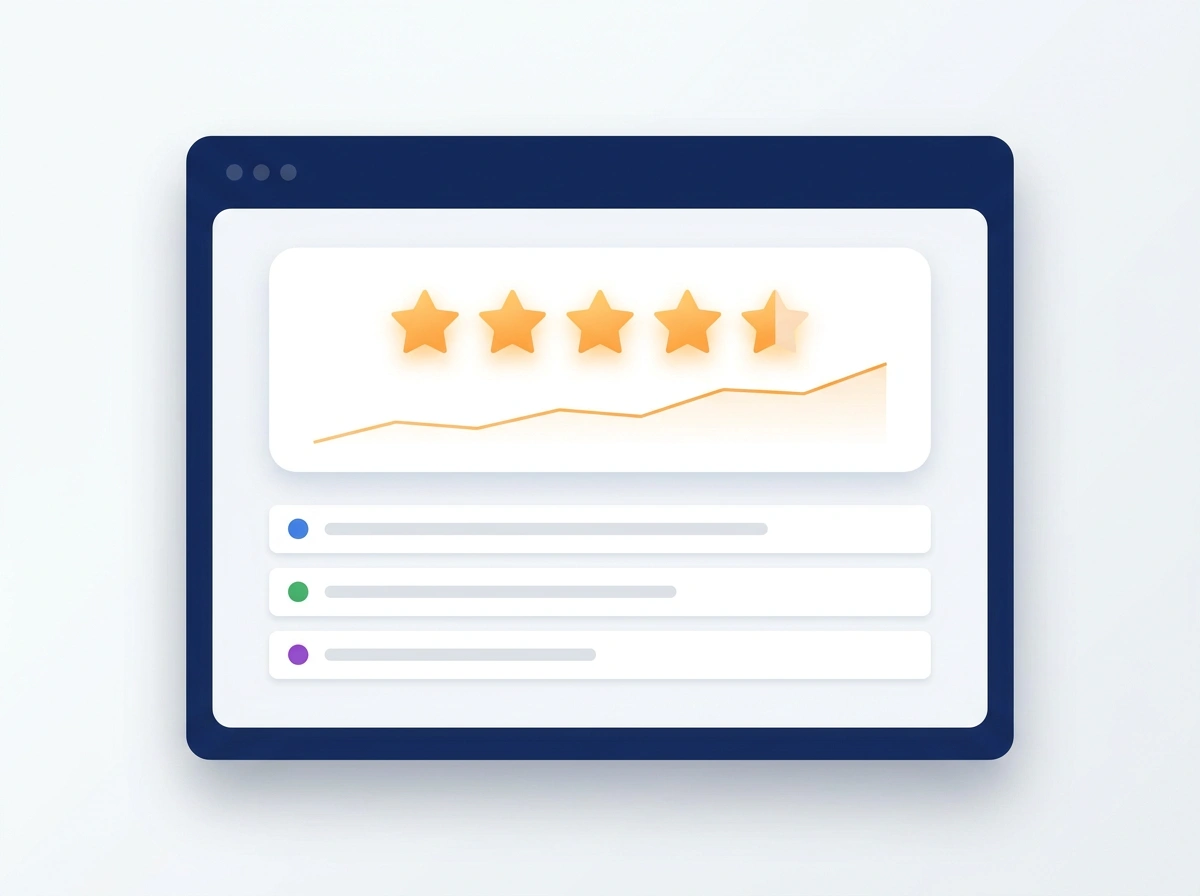
Browser window showing a 5-star rating trending upward above a list of review sources
9 in 10
customers read reviews before they choose
The leak

Your reputation is selling for you, or quietly costing you.

A thin star rating, a handful of old reviews, or one angry comment sitting with no reply tells a searcher everything before they ever reach your website. Meanwhile the competitor with more reviews and thoughtful responses looks like the safe choice, and gets the call.

97%
Read reviews for local businesses
For a local service, your rating is the first thing a customer checks, and sometimes the only thing. (BrightLocal, 2026)
4★
Is the bar for most customers
68% of consumers will only use a business rated four stars or higher. (BrightLocal, 2026)
1 review
Left unanswered
An ignored complaint reads as “they don’t care” to that customer and to everyone reading after.
What you get

Your reputation, actively managed

All reviews, one inbox

Google, Facebook, and more monitored together, with instant alerts the moment a new review lands.

Fast, on-brand responses

Every review, glowing or tough, gets a timely, professional reply written in your voice.

Steady review growth

Customers get provided a well-timed invite to review, so your rating and recency keep improving.

Reputation you can see

Track your rating, volume, and sentiment over time in the same dashboard as your leads and campaigns.

In the real world

A few ways it shapes what customers see

Every one of these changes the impression a searcher forms in the first ten seconds. It’s the difference between “this looks like the pro” and scrolling to the next name.

First impression

Look like the obvious choice

A steady stream of recent, positive reviews and a rating that keeps climbing tells a searcher you’re busy, trusted, and safe to call, before they’ve read a single word of your website.

+31%
more clicks with strong ratings
Handling the bad ones

Turn a complaint into trust

We’re alerted the moment a negative review lands and respond quickly, calmly, and on-brand. Future customers don’t just see the complaint. They see a business that owns it and makes it right.

89%
expect owners to respond to reviews (BrightLocal, 2026)
More & fresher reviews

Keep the good ones coming

Customers get provided a gentle, well-timed nudge to share their experience, so your best work shows up publicly and your reviews stay recent, not stuck in last year.

4x
more reviews collected
Everywhere at once

One strong story on every platform

Google, Facebook, and the rest are all monitored and managed from one place, so no matter where a customer looks you up, they find the same trustworthy, well-tended reputation.

1
inbox for every platform
Reviews are insurance

One bad review can’t sink you if you’ve banked enough good ones.

Most customers (68%) will only use a business rated 4 stars or higher (BrightLocal, 2026). See it for yourself: drag your five-star reviews up and watch how a bad review barely moves the needle once you’ve got a cushion.

12
5
3
3
1
Simulate an angry customer
Your public rating
4.0
★★★★★
★★★★★
1.0 4.0 cutoff 5.0
✓
Customers will still consider you

The math is simple: the more five-star reviews you’ve banked, the less any single bad one can hurt. Automating review requests is how you build that cushion before you need it.

How it works

We connect it. Your reputation grows.

1

We connect your profiles

Google, Facebook, and any other platforms that matter, all monitored from one place.

2

We set the tone

Response templates and a review-request flow written in your voice, ready to run.

3

Your reputation grows

Reviews get answered fast, new ones come in steadily, and your rating climbs where customers see it.

Better together

Turn every happy job into proof.

Reputation management keeps the story strong. These make sure every satisfied customer actually leaves the review that tells it.

Automated Review Requests Auto-invite every customer to review after the job. Marketing Automation Fold review requests into your follow-up flows.
Reputation management, in detail

Online reputation management for small businesses, done the right way

For a local business, online reputation management comes down to three jobs: knowing about every review the moment it’s posted, replying to each one well, and steadily earning new reviews from real customers. Done consistently, that keeps your star rating strong and recent on Google, Facebook and the other sites customers check. It also shows anyone reading that a real person cares about the work.

Why reviews matter for local search

Reviews do two jobs at once. Customers read them to decide who to call, and Google uses them too. Google says more reviews and positive ratings can help your local ranking. That means your reputation affects both whether you show up in the map results and whether people choose you once you do. Our Google Business Profile management and reputation work go hand in hand.

How to respond to negative reviews

A negative review is a chance to show future customers how you handle problems. Reply promptly and calmly. Thank the reviewer, acknowledge what went wrong without arguing, keep private details out of it, and offer to make it right offline with a name and number. For example: “Thanks for letting us know, and I’m sorry the appointment ran late. That’s not how we want to treat anyone. Please call me directly so I can make it right.”

Replying to positive reviews too

Most owners only reply when something goes wrong, but thanking happy customers matters just as much. A short, specific reply, one that mentions the job, the neighborhood or the team member, shows you read every review and value the person who took the time. It also gives future customers more real detail about the work you do. We write replies in your voice so they never sound canned.

Can you remove a bad Google review?

Only if it breaks Google’s rules. Reviews that are spam, fake, off-topic or hateful can be flagged in your Business Profile, and Google evaluates the report, which typically takes several days. Google is clear that you shouldn’t report a review just because you disagree with it. For an honest negative review, a thoughtful reply and a steady flow of new positive reviews do far more than trying to make it disappear.

Getting more reviews the right way

The simplest way to get more Google reviews is to ask every customer, every time, with a link that takes one tap. Automated review requests do that the moment a job is marked complete. Google’s policies prohibit offering incentives for reviews and blocking unhappy customers. This is known as review gating.

The rules on fake reviews

Since October 21, 2024, an FTC rule has banned fake reviews, including AI-written ones, as well as buying positive or negative reviews and suppressing honest ones through threats or intimidation. Knowing violations can bring civil penalties. Google removes fake engagement too. Real reputation management builds on real customers and honest replies, which is the only kind that lasts.

Every platform, one inbox

Customers check more than Google. They look at Facebook, industry sites and sometimes Yelp. Instead of logging into each one, new reviews from Google, Facebook and the other platforms we connect land in one inbox with an instant alert, alongside your leads, calls and campaigns. You can track your rating, review count and how recent your reviews are over time, so you know whether things are getting better.

What it costs

Reputation Management is $150 a month as an add-on to any plan, and it’s included in our Growth and Dominate plans. Review request texts and emails carry small usage fees. We connect your profiles, set up response templates and a review request flow in your voice, then keep reviews answered and coming in. See all plans on our pricing page.

Common questions about reputation management

What is online reputation management for a small business?
It's the ongoing work of keeping what people read about your business accurate and strong: watching for new reviews on Google, Facebook and other sites, replying to each one promptly and professionally, and steadily earning new reviews from real customers.
Can you remove negative Google reviews?
Only if they break Google's policies, such as spam, fake reviews, off-topic rants or hateful content. Those can be flagged for Google to review. Google says not to report a review just because you disagree with it, so for honest negative reviews the best tool is a calm, helpful public reply.
How should I respond to a negative review?
Reply promptly and calmly. Thank them, acknowledge the problem without arguing, keep private details out of it, and offer to make it right offline with a name and phone number. Write for the future customers reading it, not just the reviewer.
Is review gating allowed?
No. Review gating means asking only customers you expect to be happy for a review. Google's policies prohibit businesses from selectively soliciting positive reviews, so every customer should get the same invitation.
How much does reputation management cost?
Our Reputation Management is $150 a month as an add-on to any plan, and it's included in our Growth and Dominate plans. Review request texts and emails carry small usage fees.
Watch the explainer · Lesson 12

Reputation Management in 45 seconds

Before anyone calls you, they read about you: ninety-three percent of customers read reviews before buying, and they notice how many you have and how recent they are. Reputation Management keeps fresh reviews arriving steadily and puts every review, on Google, Facebook and more, in one inbox with a prompt reply in your voice.

Stop letting leads slip away.

Add Reputation Management to any plan. It plugs into the same dashboard, so every recovered lead shows up right alongside the rest.

Purchase